AI workspace and execution layer

One workspace for agents, tools, and execution.

EX1 brings chat, tasks, databases, agents, files, and connected services into one operational environment for you and your AI.
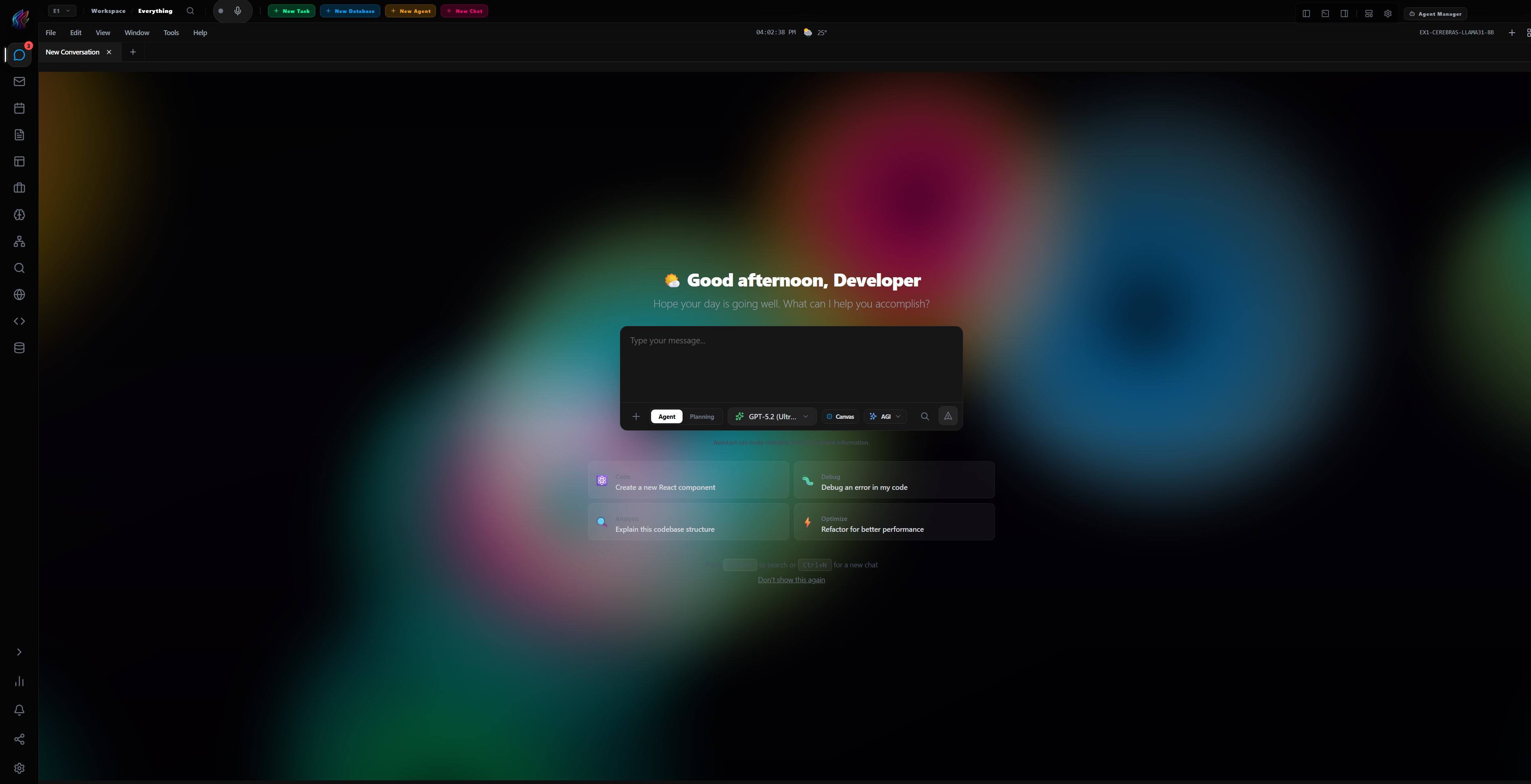
Browser and desktop Bring your model keys Local MCP access
EX1 workspace
Browser + desktop
EX1 workspace showing the agent chat and command interface
One operational workspaceMove from intent to execution without changing tools.
Tasks Data Agents Chat
Built around the work

More than another chat window.

EX1 gives AI a place to operate: persistent context, structured output, connected tools, and clear human control.

Chat with context

Keep conversations connected to the workspace, files, and systems that matter.

Run specialized agents

Create focused agents that can plan, inspect, and execute across real tools.

Turn decisions into work

Move directly from a conversation to tasks, schedules, and repeatable workflows.

Structure the output

Capture operational data in databases and pages instead of losing it in chat history.
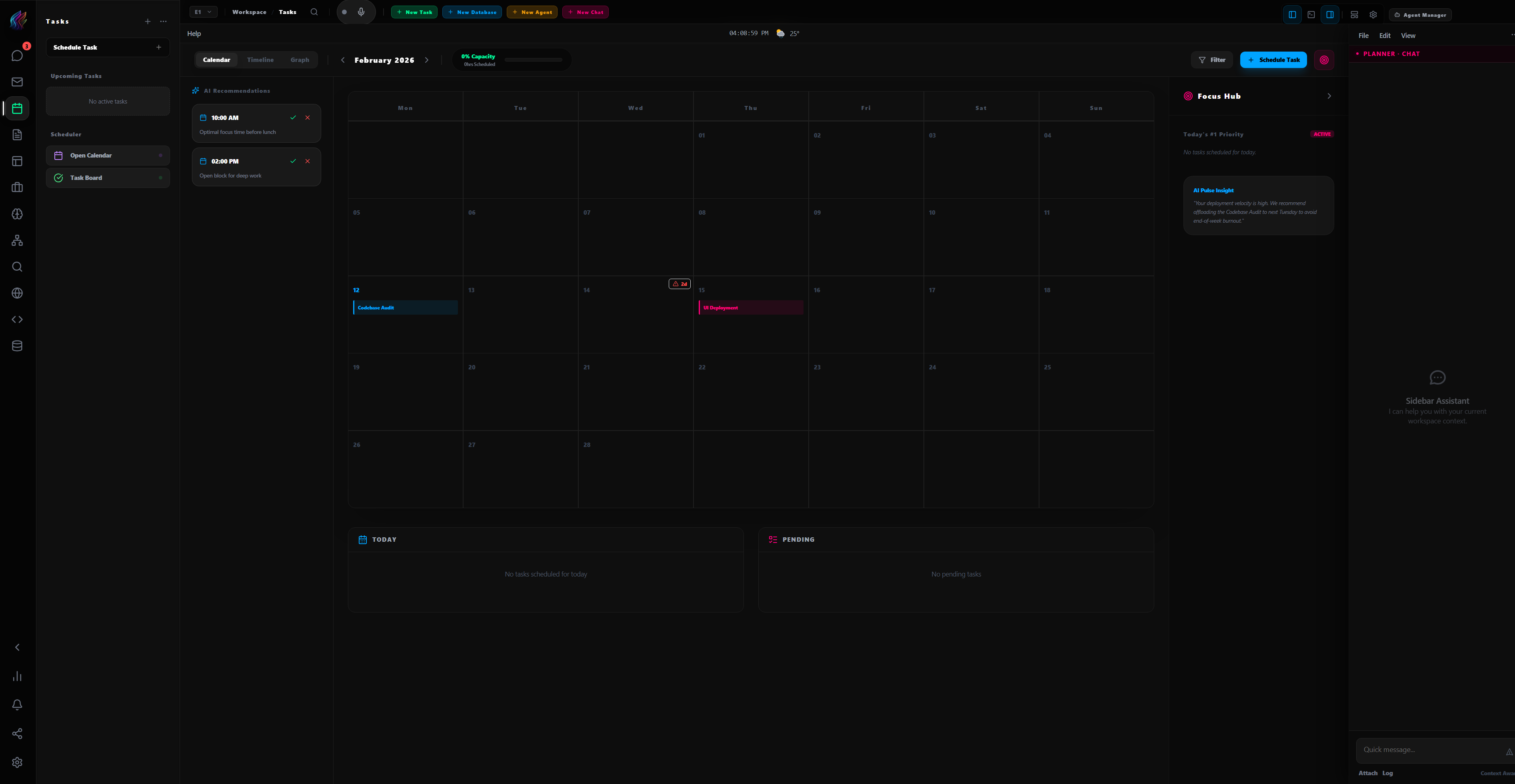
EX1 task workspace with calendar, planning, and assistant panels

Keep planning, execution, and context in the same system.

The workspace stays coherent as work moves between chat, agents, task planning, pages, databases, and external services.

  • Shared context across every EX1 surface
  • Human review before consequential actions
  • Persistent work instead of disposable chats
Connect once

Use the systems you already rely on.

AI clientsClaude Code, Cursor, Codex, Gemini CLI
Connected appsGoogle Workspace, Notion, Linear, Airtable
Local toolsFiles, repositories, shell, MCP endpoints
Your workspace follows your account

Start in the browser. Add local power when you need it.